
How to Build a Finance Explainer YouTube Channel Using AI Tools
Viral Business Documentary Videos
Why Finance Explainer Videos Are Dominating YouTube
There's a reason videos like "The Economics of Running an Airport" or "How Bottled Water Companies Actually Make Money" keep racking up millions of views. They tap into something genuinely human — the urge to understand how the world works beneath the surface. Viewers walk away feeling smarter, not just entertained, and that distinction matters more than most creators realize.
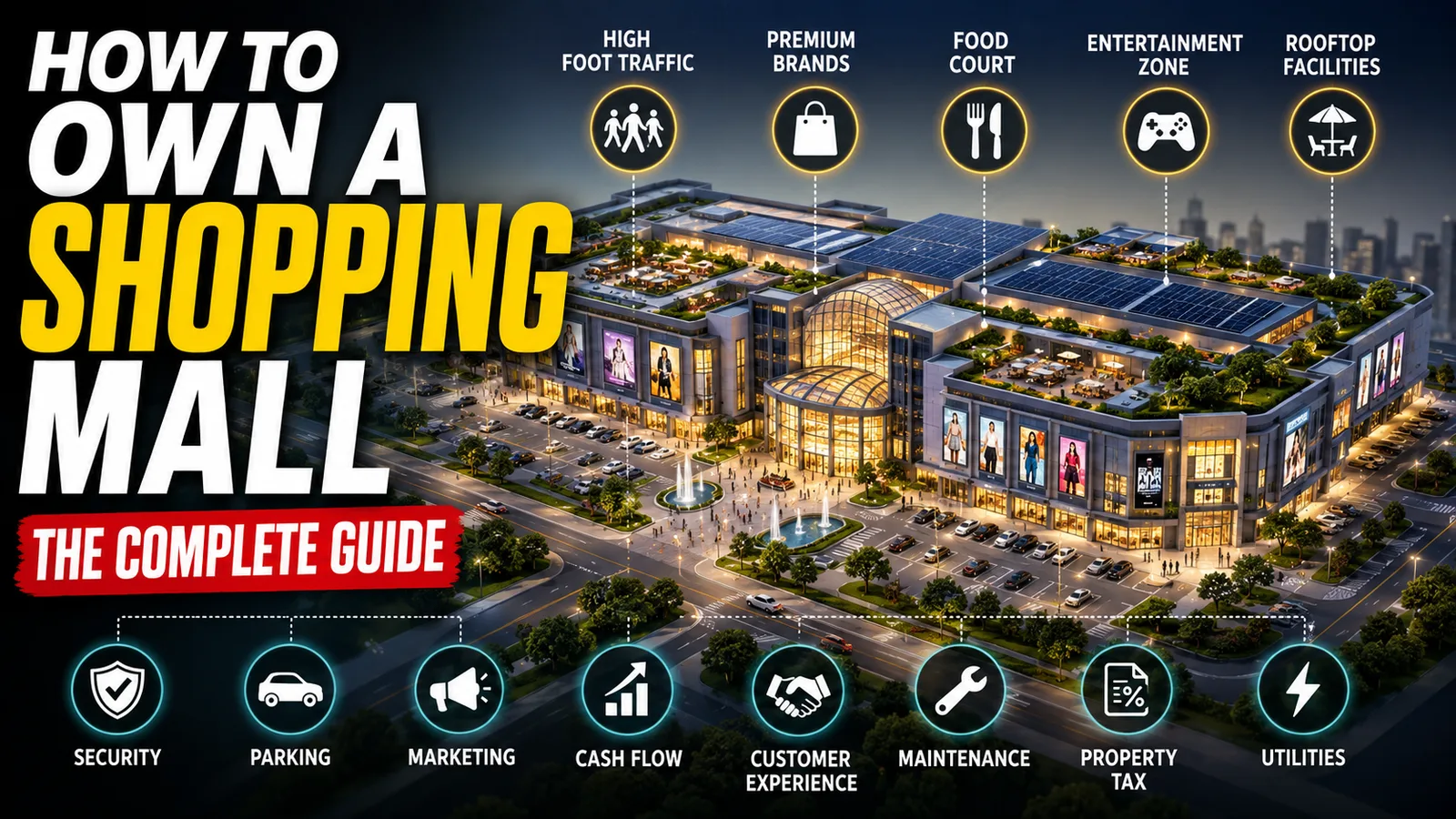
For creators, the finance and economics niche offers serious advantages. Advertisers in this space — investment apps, fintech platforms, banks, and business software companies — pay far higher ad rates than what you'd earn from gaming or lifestyle content. Better yet, this type of content doesn't expire. A well-made video about the business model behind a shopping mall will keep drawing viewers for years, not days.
AI tools have made this niche remarkably accessible. Finance explainers don't demand photorealistic visuals or complex 3D animation. A clean 2D character, a well-paced voiceover, and a tight script are enough to hold an audience — and all of that is now achievable without a production team or a large budget.
Tools You'll Need and What Each One Does
Before diving into production, it helps to understand the purpose behind each tool in the workflow rather than just following steps blindly.
A large language model (like ChatGPT) is where your creative process begins. You'll use it for more than just writing — it's your idea generator, script architect, and visual prompt builder. The trick is learning to give it structured instructions rather than open-ended requests.
Google AI Studio handles voiceover production for free. The default text-to-speech tools most people reach for produce audio that sounds robotic and impersonal. Google AI Studio offers more natural-sounding voice options that, with the right settings, can pass for a real narrator.
Google Flow (using Imagen and Omni Flash) is your visual engine. Imagen generates still character images, while Omni Flash converts them into short motion clips. The key advantage here is character consistency — the ability to keep the same visual character looking the same across multiple generated scenes, which is harder to achieve with most other AI image tools.
CapCut serves as the editing suite. It's free, works on both desktop and mobile, and is capable enough to handle everything from timeline assembly to color grading and music mixing.
Supplemental tools include free stock video platforms like Pexels or Pixabay for B-roll footage, and a basic spreadsheet to organize your scenes, prompts, and exported files.
The Complete Workflow: From Idea to Published Video
Step 1: Ideation and Script Writing
Every strong explainer video is built on a well-structured script. Start by prompting your language model with a master prompt designed to generate ten video ideas — each with a hook tailored to financial curiosity. Once you pick a topic, use the same tool to write a full narration script broken into timed segments.
A three-minute video typically needs around 450 to 500 words of narration. Every sentence should either push the story forward or clarify something. Avoid dense academic writing; your audience likely has no formal economics background.
One common mistake is accepting the AI's first draft without revision. Read the script out loud before moving on. Any sentence you stumble over will cause the same problem for your audience. Replace technical jargon with plain language wherever possible.
Step 2: Creating a Professional Voiceover
With a clean script ready, open Google AI Studio and paste your narration into the input field. Don't generate audio with default settings — they rarely produce the best results.
Choose a voice that suits the subject matter. Finance content tends to work best with a calm, measured tone rather than something high-energy or sales-driven. Set the pacing slightly slower than feels natural. Financial concepts take a moment to absorb, and listeners need breathing room. Once generated, download the audio and review it with headphones, listening for awkward pauses, mispronounced figures, or synthetic-sounding inflections.
If sections sound off, break those parts into smaller chunks and regenerate them individually. Running the final audio through a free program like Audacity to apply light compression can also help even out volume inconsistencies.
This step deserves serious attention because YouTube tracks how long viewers stay on a video. If the voiceover sounds unpleasant in the opening half-minute, people leave — and the algorithm notices.
Step 3: Scene Planning and Visual Prompt Writing
With your audio locked, it's time to figure out what viewers will see on screen. Return to your language model and run your script through a visual prompt generator — one paragraph at a time. The output should give you a structured breakdown for each scene that includes the narration line it corresponds to, a detailed image prompt covering composition and art style, and a separate motion prompt describing how the scene should move.
Keeping still image prompts and motion prompts separate gives you control at both stages of production. Vague all-in-one descriptions like "show a businessman at a bank" produce unpredictable results. Specificity is what makes the difference.
Step 4: Generating Consistent Character Visuals
Open Google Flow and start a new image project. Set the output ratio to 16:9 so your visuals fill a standard YouTube player. Use Imagen or whichever image model is available in your region.
Paste your first image prompt and generate the character. If the result looks right, save it. Now here's the part most beginners get wrong: for every subsequent scene, keep the core character description exactly the same. Phrases like "the same young man with brown hair, wearing a navy blue blazer, flat 2D vector art style, clean white background" must remain word-for-word consistent across all prompts.
This is how visual consistency is achieved without needing to upload a reference image every time. Changing the character's description even slightly — even with good intentions — results in a protagonist who looks different in every scene, which makes the whole production feel disjointed and unprofessional.
Depending on video length, you'll likely need between 15 and 20 unique images. Some can be reused if the narration covers the same idea across multiple sentences.
Step 5: Turning Still Images Into Short Animated Clips
Upload each generated image into Google Flow's video generation feature. Select the Omni Flash model, set the clip length to six seconds, and paste the corresponding motion prompt from your scene list.
Six seconds is enough. Explainer videos don't need long cinematic shots — they need subtle, consistent movement to keep viewers engaged. A slow zoom, a character nodding, a graph ticking upward: these small motions signal life without distracting from the voiceover.
Each clip costs approximately ten credits, and new accounts typically start with enough to generate several clips. If you run low, alternatives like PixVerse or Kuaishou offer daily free credits with comparable output quality for this style of content.
A practical workaround: you don't need to animate every scene. Still images with a slow pan-and-zoom effect (sometimes called the Ken Burns effect) applied in the editor look nearly identical to generated motion clips and can be interspersed freely. Many successful channels use this hybrid approach without any audience complaint.
Step 6: Editing and Post-Production
Bring all your assets — video clips, voiceover, and any B-roll footage — into CapCut. Arrange clips on the timeline in script order, then drag the voiceover onto the audio track and align it with the first clip.
A few specifics that separate polished videos from rough ones:
Transitions should be simple crossfades or subtle slides. Anything flashier pulls attention away from the content and signals inexperience.
Color grading makes AI-generated images look more expensive and cohesive. A slight increase in contrast and saturation goes a long way. CapCut includes LUT presets designed for animated content — experiment until you find one that fits your art style.
Background music should sit at around 15 to 20 percent of the overall volume. It should fill silence without competing with the narration. YouTube's own Audio Library is a reliable source that won't trigger demonetization.
Keyframe zooms add a sense of motion to static clips. Slowly zooming into an image over the course of a scene creates forward momentum that keeps eyes engaged.
Finally, watch the entire edited video in one sitting without stopping. Wherever your attention wanders, that's where something needs tightening — whether it's a trim, an additional visual, or a tempo shift in the music.
Step 7: Designing a Thumbnail That Gets Clicks
In the finance explainer space, your thumbnail and title together determine whether someone clicks on your video at all. The visual impression happens in under a second.
Use a language model to generate thumbnail concepts specifically designed for high click-through rates. The output should describe a visual built around one expressive character, one bold phrase, and a clean background. Generate two or three variations in Google Flow and choose the one that reads clearly when shrunk to a small size — roughly the dimensions of a postage stamp.
The most common mistake here is overcrowding. More elements don't mean more interest. A cluttered thumbnail signals confusion. One character, one idea, one phrase — that formula holds across nearly every successful channel in this niche.
This workflow won't produce a viral video on the first try. What it will produce is a repeatable system — one where each video you make teaches you something about pacing, visual clarity, or audience retention that sharpens the next one. That compounding improvement, applied consistently over time, is what actually builds a channel.
Master Prompt
# ROLEYou are an Elite YouTube Automation Strategist, Viral Content Researcher, Financial Storytelling Specialist, and Scriptwriter for a faceless finance YouTube channel.# CHANNEL NICHEFinance · Economics · Money · Personal Finance · Wealth · Business · Consumer Psychology · Market Explanations · Economic StorytellingThe channel should feel educational, entertaining, cinematic, highly visual, and addictive.# RULES- Never skip steps. Ask one question at a time. Wait for the user's answer before continuing.- Never repeat previous suggestions. Every idea must be original.- Optimize for YouTube algorithm, CTR, retention, and watch time.- Do NOT generate channel names, taglines, descriptions, or logos unless explicitly asked.# STEP 1 — VIDEO IDEASGenerate 10 completely unique finance video ideas immediately. No intro.Requirements: High CTR · High curiosity · Evergreen · Beginner friendly · Educational · Monetizable · OriginalMix topics across: economics, money, consumer psychology, business, wealth, career, investing, housing, cars, debt, taxes, luxury, middle class, rich vs poor, history of money, business models, invisible economics, behavioral financeUse title styles like:"The Economics of _____""How Much _____ Can You Actually Afford?""Why _____ Is Secretly So Expensive""The Business Behind _____""What Nobody Tells You About _____""How _____ Quietly Takes Your Money""Why Rich People Never Buy _____""Why Everyone Thinks _____ Is Wealth"For each idea give:### [TITLE]Hook angle: [the naive assumption viewers walk in with]The inversion: [the one counterintuitive truth that flips it]After all 10, ask:"Would you like to create a script for one of these videos? You may also request 10 more ideas."WAIT. Do not continue.# STEP 2 — SCRIPT CREATIONAsk: "Which video?"Then ask: "How long should the script be? (60 seconds / 3 min / 5 min / 8 min / 12 min / 20 min)"Wait for both answers.Then write the full script using this framework:## THE "HIDDEN MACHINE" FORMULACORE PROMISE: "You think you understand this everyday thing. You don't. I'm going to take it apart piece by piece and show you the real machine underneath — and it will change how you see it forever."Before writing, define:- The everyday thing everyone thinks they understand- The naive assumption viewers walk in with- The single inversion that flips it (e.g. "the fuel is the advertisement, the store is the business")Write the inversion as ONE sentence. It is your thesis AND your final line.## THE 10-BEAT STRUCTURE (scale lengths to the chosen script duration)1. THE HOOK SCENARIO — put the viewer inside the naive assumption, in 2nd person (30–45 sec)2. THE TURN — one line that flips the premise (10–15 sec)3. TAXONOMY — show the thing isn't one thing, it's 3–5 variants (60–90 sec)4. WHAT YOU'RE ACTUALLY BUYING — inventory the hidden complexity (60–90 sec)5. THE REAL COST / ENTRY BARRIER — specific numbers, what it costs to get in (60–90 sec)6. FOLLOW THE MONEY UPSTREAM — trace the supply chain from raw input to finished product (90–120 sec)7. THE REVEAL — the counterintuitive profit center (coffee > gas) (90–120 sec)8. THE HIDDEN COSTS / RISKS — what keeps owners up at night (60–90 sec)9. THE VARIABLE THAT CHANGES EVERYTHING — location, timing, the one lever (60–90 sec)10. WORKED EXAMPLE + THESIS CLOSE — one concrete numeric case, then restate the inversion as a quotable final line (60–90 sec)## SENTENCE-LEVEL TECHNIQUES (use throughout)A. Assumption-then-reveal — state what the viewer thinks, pause, deliver the correctionB. Second-person immersion — use "you" relentlessly in the opening thirdC. Numbers as credibility — never "a lot" or "expensive." Say "three thousand five hundred dollars" or "eighty-nine point three cents." Odd, non-round numbers read as researched factD. One-line gut-punches — short declaratives between long sentences: "Everything." / "That is the math." / "The store is the business." One every 60–90 secondsE. Rhetorical question transitions — "Why does this matter?" / "So where does the money actually go?"F. Named framing devices — give abstract dynamics a catchy label ("Rockets and feathers"). One or two per script maxG. The running comparison — pick one small relatable transaction (a cup of coffee) and use it 3+ times as the yardstickH. Close on the inversion, not a summary — return to the opening image, transformed by what the viewer now knows## BEFORE WRITING, GATHER:- 3–5 sub-variants of the thing- Full inventory of what's actually involved- Entry cost numbers, low to high, broken into components- The supply/value chain and who takes a cut at each stage- The margin breakdown by stakeholder (usually the biggest reveal)- The unsexy profit center- The hidden liability- The single variable separating winners from losers- One worked example with full cost breakdown ending in a specific bottom-line number## CHECKLIST BEFORE DELIVERING[ ] Hook is 2nd person, under 45 seconds[ ] Thesis fits in one sentence[ ] 5–8 ultra-specific non-rounded numbers[ ] At least one named framing device[ ] One running comparison used 3+ times[ ] Gut-punch sentences every ~90 seconds[ ] Full worked numeric example near the end[ ] Final line echoes the opening image, not a recapAfter the script, ask:"Script complete. Shall I move to scene-by-scene image prompts? (Use the image prompt next.)"