INTRO:
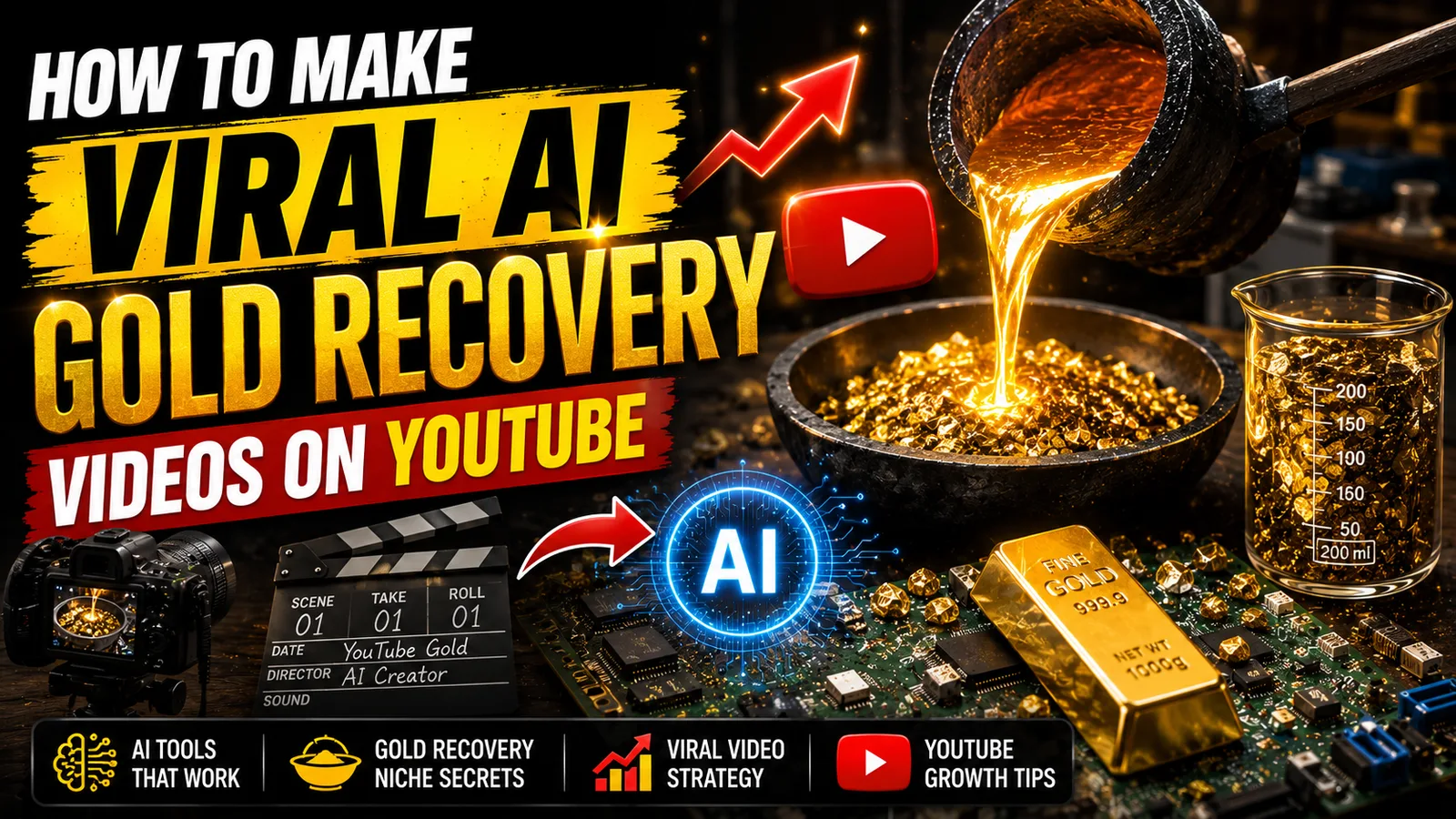
There's something almost primal about watching gold appear from what looks like worthless junk. Gold recovery videos — showing the process of extracting gold from old electronics, circuit boards, pins, and processors — have quietly become one of YouTube's most reliable watch-time magnets. Viewers don't just passively consume this content; they lean in, they rewatch steps, and they share it with friends who have no prior interest in chemistry or metallurgy.
From a creator's standpoint, this niche sits at a rare intersection. It combines the satisfying visual payoff of transformation content with the educational pull of a how-it-works explanation. The audience spans curious teenagers, DIY hobbyists, recycling enthusiasts, and people genuinely exploring gold recovery as a side income — and advertisers targeting that last group pay well. Channels in the science, DIY, and finance-adjacent space consistently earn higher CPMs than entertainment-only content, and gold recovery videos frequently get recommended alongside precious metals investing content, pulling in an even wealthier audience demographic.
AI tools have made this niche far more accessible than it used to be. You don't need a chemistry lab, real gold, or expensive filming equipment. A well-researched script, consistent AI-generated visuals of the recovery process, a clean voiceover, and tight editing can produce content that performs just as well as channels built on real footage — sometimes better, because your visuals are always clean, safe, and visually consistent.
Tools You'll Need and What Each One Does
Understanding why each tool is in your stack prevents you from making random substitutions that break the workflow later.
A large language model (like ChatGPT) is the starting point for everything. You'll use it to generate video ideas with curiosity-driven hooks, write full narration scripts broken down by scene, and produce structured visual and motion prompts for each moment in the video. Gold recovery content works best when it walks the viewer through a process step by step — your language model needs to be prompted in a way that reflects that procedural structure.
Google AI Studio handles your voiceover at no cost. Gold recovery videos benefit from a calm, methodical narration style — the kind of voice that sounds like it knows exactly what it's doing. Google AI Studio gives you enough voice variety and natural-sounding pacing options to find that tone without paying for professional voice talent.
Google Flow (Imagen and Omni Flash) is your visual production engine. Imagen generates the still character and scene images — a gloved technician, a circuit board soaking in solution, a crucible over flame — while Omni Flash animates those stills into six-second motion clips. The reason this combination works for gold recovery content specifically is that the process has distinct, visually interesting stages. Each stage gives you a natural scene break, which maps perfectly onto short animated clips.
CapCut is your editing environment. It's free, handles both desktop and mobile workflows, and gives you everything you need — timeline assembly, audio syncing, color grading, transitions, and music mixing. The editing phase is where process-style content either becomes compelling or falls flat, so don't rush it.
Useful additions include free stock footage from Pexels or Pixabay for supplementary B-roll — molten metal, laboratory settings, close-up chemical reactions — and a spreadsheet to track your scene list, prompts, and exported files so nothing gets lost between sessions.
The Complete Workflow: From Idea to Published Video
Step 1: Ideation and Script Writing
Gold recovery is a broad topic, and the creators who grow fastest are the ones who get specific. Rather than making a generic video called "How to Extract Gold," the videos that get recommended are the ones with a defined source material and a clear curiosity hook. Titles like "Extracting Gold from 500 Old CPU Processors" or "How Much Gold Is Hidden in Smartphone Screens?" give the viewer a specific question they want answered before they even press play.
Start by prompting your language model with a master prompt designed to generate ten video ideas in this niche, each framed around a specific source material — CPU chips, RAM sticks, gold-plated connectors, old jewelry, motherboards — and a curiosity-driving hook. Once you select one, instruct the AI to write a full narration script broken into timed segments, structured around the actual stages of the recovery process: sourcing, preparation, chemical treatment, filtering, smelting, and yield reveal.
A three-to-five minute gold recovery video typically needs between 500 and 750 words of narration. Every sentence should either advance the process or explain the reasoning behind a step. Viewers of this content are engaged precisely because they want to understand the why — don't skip over it to get to the results faster.
Read the full script aloud before moving on. Any sentence that sounds complicated when spoken will confuse viewers who are simultaneously trying to follow a visual process. Simplify aggressively. If a chemistry term appears, follow it immediately with a plain-language explanation.
Step 2: Creating the Voiceover
Paste your finished script into Google AI Studio. Don't generate with default settings and move on — the voice choice matters significantly for this type of content.
Gold recovery videos sit somewhere between educational documentary and DIY tutorial. The ideal voice is measured and confident — not overly formal, but not casual either. It should sound like someone who has done this process many times and is patiently explaining it to someone doing it for the first time. In Google AI Studio's style settings, lean toward a conversational but authoritative tone and set the pace slightly slower than feels natural. Viewers following a multi-step process need a moment between steps to mentally keep up.
Download the audio and review it with headphones, paying close attention to how chemical terms and measurements are pronounced. Numbers and quantities appear frequently in gold recovery scripts — "three liters of hydrochloric acid," "heat to 1,064 degrees Celsius" — and synthetic voices often stumble on these. If anything sounds off, isolate that line, rephrase it slightly, and regenerate just that section.
Running the final audio file through Audacity for light compression is worth the extra ten minutes. It evens out any volume spikes and gives the narration a broadcast-quality consistency that subconsciously signals professionalism to the viewer.
Step 3: Scene Planning and Visual Prompt Writing
With the audio locked, you need to map out exactly what the viewer sees at every moment. Return to your language model and run the script through a visual prompt generator one paragraph at a time. The output for each scene should give you three things: the narration line it accompanies, a detailed image prompt describing the composition, character, and setting, and a separate motion prompt describing the specific action or camera movement for that clip.
Gold recovery content has a natural visual rhythm that makes this step easier than it sounds. The process itself defines your scene structure. The sourcing stage gives you images of raw electronic waste. The chemical preparation stage gives you beakers, solutions, and protective equipment. The filtering and smelting stages give you the most visually dramatic moments — glowing crucibles, molten liquid, fine gold powder. The yield reveal at the end gives you the payoff shot that makes viewers feel the effort was worth watching.
Keep image prompts and motion prompts separate. Combining them into a single vague description produces unpredictable results. Precision at the prompt stage means far less time regenerating unusable images later.
Step 4: Generating Consistent Character and Scene Visuals
Open Google Flow and create a new image project at 16:9 resolution. For gold recovery content, you'll be generating two distinct types of visuals: character scenes (a technician performing each step) and environment scenes (close-ups of materials, equipment, and chemical reactions with no character present).
For character scenes, establish your protagonist in the very first prompt — something like "a focused technician wearing yellow chemical-resistant gloves and safety goggles, flat 2D illustration style, clean workshop background, warm industrial lighting" — and then copy that exact description into every subsequent character prompt. Do not vary the clothing, gloves, or art style between scenes. Consistency in character appearance is what makes your video feel like a coherent story rather than a slideshow of unrelated images.
For environment and close-up scenes, you have more flexibility. The chemical solution can change color. The equipment can shift. These visual changes actually help communicate that the process is progressing, which reinforces the narrative arc.
Plan for roughly 18 to 25 unique images for a four-minute video. Some can be reused — the initial pile of circuit boards, for example, might appear in both the introduction and a later comparison shot — but the smelting and yield sections deserve fresh, dedicated visuals because those are the moments viewers are most engaged.
Step 5: Animating Your Images Into Motion Clips
Upload each still image into Google Flow's video generation feature. Use the Omni Flash model, set each clip to six seconds, and paste the corresponding motion prompt.
For gold recovery content, the most effective motion types are subtle and process-focused. A slow zoom into a beaker as the solution changes color. A gloved hand slowly stirring a liquid. A crucible with a gentle heat shimmer rising from it. These motions communicate active process without requiring you to show anything that would be difficult or dangerous to film in a real setting.
The most dramatic moments — the moment gold powder appears in a filter, or the first drop of molten gold hits a mold — deserve the most attention in your motion prompts. Be specific. Instead of "show the gold appearing," write "a slow zoom into a filter paper revealing fine gold particles catching the light, with a subtle shimmer effect." Specificity in motion prompts is what separates clips that feel alive from clips that feel like a barely-moving photograph.
If you exhaust your free credits, PixVerse and Kuaishou both offer daily free allocations suitable for this style of content. Alternate between generated motion clips and Ken Burns zooms on still images to stretch your credits further — viewers focused on a compelling narration rarely notice the difference.
Step 6: Editing and Post-Production
Import every asset into CapCut — your motion clips, still images, voiceover track, and any supplementary stock footage. Arrange everything in process order on the timeline and sync the first word of the voiceover to the first clip.
A few elements that determine whether this type of video holds attention:
Pacing matched to the process. The early sourcing and preparation scenes can move at a measured pace. As the video approaches the smelting and reveal stages, tighten the cuts slightly. Increasing visual tempo as the outcome gets closer mirrors the natural tension of watching something build toward a result.
Transitions that serve the process. Use simple crossfades between most scenes. At major process transitions — moving from chemical treatment to filtering, for example — a slightly longer dissolve signals to the viewer that one phase has ended and another has begun. Keep all transitions invisible in the sense that the viewer should never consciously think "that was a nice transition."
Color grading for atmosphere. Gold recovery content benefits from a warm color grade — slightly elevated yellows and oranges — that subconsciously evokes the material being processed. Apply it consistently across every clip. CapCut's LUT presets include warm industrial and documentary-style options worth exploring.
Sound design beyond music. Consider adding subtle ambient sound effects under your voiceover — a gentle chemical bubbling, a low furnace hum, the faint clink of equipment. These don't need to be loud. At 10 to 15 percent volume, they make the experience feel immersive and add a layer of production quality that most AI-generated channels skip entirely.
Background music should sit low — around 15 percent volume — and lean instrumental and understated. Something with a slow, methodical rhythm matches the pace of a process video better than anything with a prominent melody.
Watch the complete edit in a single sitting before exporting. Identify every moment where your attention drifts. Each one of those moments is a cut that needs tightening or a visual that needs replacing.
Step 7: Thumbnail Design That Drives Clicks
In the gold recovery niche, the thumbnail has one job: show the before and the promise of the after. The most consistently high-performing thumbnails in this space follow a predictable formula — a pile of old electronics or scrap on one side, a gleaming result on the other, with bold text communicating either a quantity ("3.4 Grams of Gold!") or a curiosity question ("How Much Gold Is in 100 Old Phones?").
Use your language model to generate thumbnail concepts using a prompt specifically built for high click-through rate visuals in this niche. Ask for two or three variations with different text approaches — one quantity-focused, one question-focused, one surprise-focused — and take all three into Google Flow to generate the actual images.
The test for a good thumbnail is simple: shrink it to the size of a postage stamp and ask whether the key visual and text are still immediately clear. If anything is ambiguous at that scale, it will cost you clicks from viewers scrolling on mobile.
Keep the composition clean. A dramatic close-up of recovered gold flakes or a small gold bead against a dark background communicates value instantly. Cluttered thumbnails with multiple competing elements signal low production value before the viewer has even read the title.
Gold recovery is one of the few YouTube niches where the content itself — the procedural satisfaction of watching something valuable emerge from apparent waste — does a significant amount of the creator's work for them. Your job is to build a production system clean enough that the process stays front and center, and nothing in the audio, visuals, or editing pulls the viewer's attention away from the transformation they came to watch. Build that system once, refine it across five or six videos, and the results compound on their own.