
How Creators Are Using AI to Make Viral Color Mixing Videos — And How You Can Too
Viral Color Mixing ASMR Videos with AI
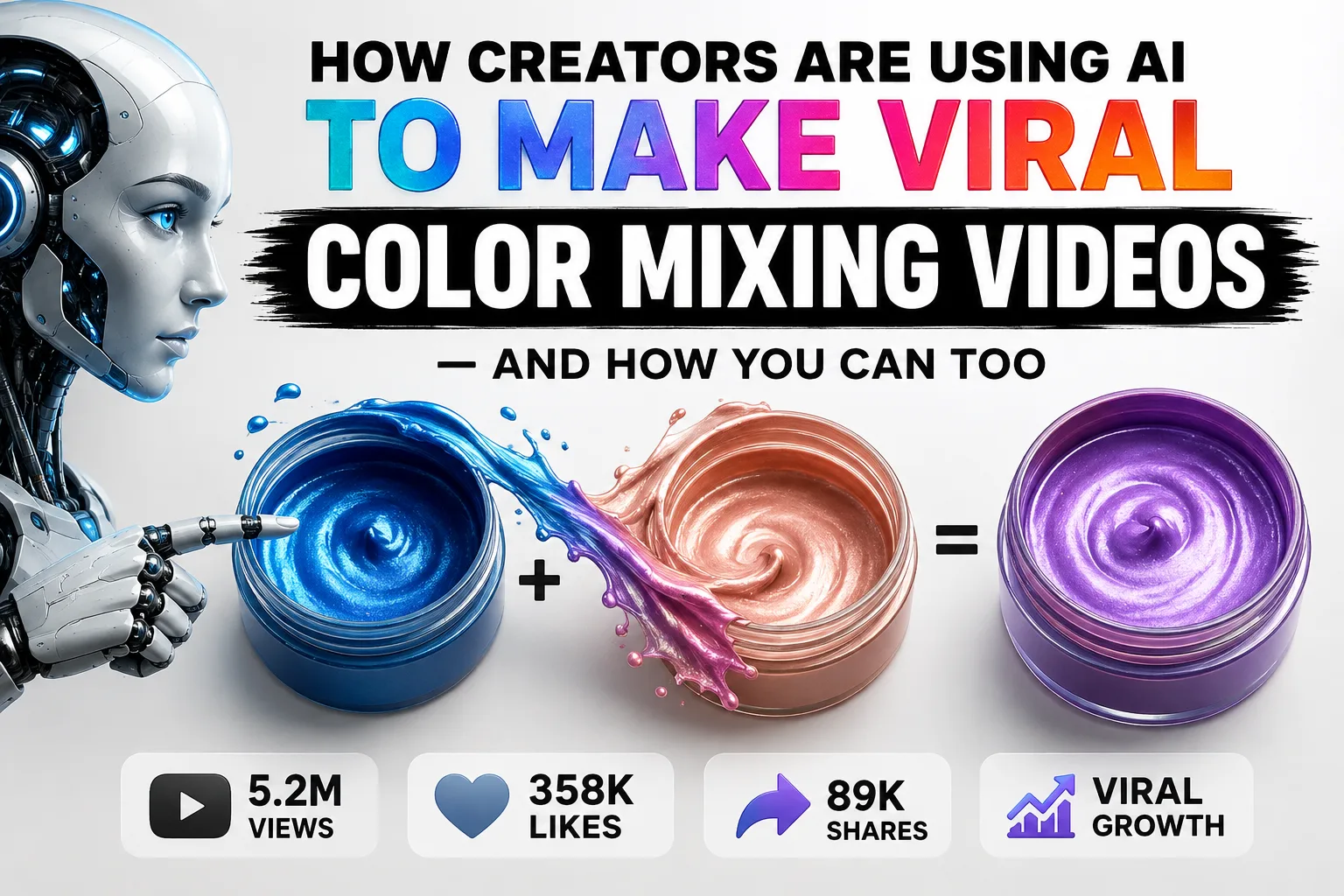
If you've spent any time scrolling through YouTube Shorts or TikTok, you've probably come across a video of two bold paint colors slowly swirling together into something completely unexpected. These clips feel almost hypnotic — and millions of people can't stop watching them. What most viewers have no idea about is that a growing chunk of this content is made entirely by artificial intelligence. No paint, no camera, no studio.
AI-generated color mixing content has quietly carved out its own corner of the internet, and it's not hard to see why. Something about watching one thing transform into another hits a deep, almost primal part of the brain — the same part that makes slime videos and soap cutting so weirdly satisfying. AI takes that appeal and cranks up the efficiency. Creators can pump out content consistently, test out color combinations that wouldn't even be possible in real life, and skip all the cleanup and equipment costs that come with filming physical paint.
This guide walks you through the entire process of making these videos from scratch. It's not just a list of steps — the goal is to actually explain the thinking behind each decision so you understand why things work, not just how to do them.
Why People Can't Stop Watching These Videos
Understanding the format is half the battle. Color mixing videos go viral for a few specific reasons:
Colors speak to everyone. You don't need to share a language or culture with someone to both enjoy watching cobalt blue and burnt orange melt into a warm amber. It's purely visual and universally understood.
The brain loves a complete arc. Every color mixing video follows the same satisfying structure: two separate things, the moment they meet, and the final result. That sense of resolution keeps people watching to the end instead of scrolling away.
It's calming in the way ASMR is calming. The slow, deliberate movement of blending pigments has a genuinely meditative quality. Viewers use these clips to decompress, which means longer watch times and more replays — both signals the algorithm rewards.
AI is particularly well-suited for this because it can simulate realistic fluid behavior, dramatic lighting, and smooth camera movement without any physical setup. If a color pairing doesn't land, you can generate a dozen alternatives in the time it would take to clean a real mixing bowl.
What You'll Need
The workflow relies on a handful of tools, most of which are either free or have accessible entry-level tiers:
ChatGPT or Google Gemini — for brainstorming color pairs and writing detailed scene descriptions. Free accounts work fine for getting started.
Google Flow (Omni Flash model) — this is the video generation engine that turns your written descriptions into actual footage. The Omni Flash model specifically is worth using for its balance of speed and visual quality.
A basic video editor — CapCut, DaVinci Resolve, or even a phone's built-in editor. You'll mostly use it for minor cropping if needed.
A notebook or doc — keep track of what's working. AI content creation is a process of iteration, and your notes will save you a lot of time down the road.
The Step-by-Step Process
Step 1: Watch What's Already Working
Before touching any tool, spend time watching ten to fifteen trending color mixing videos on your platform of choice. This isn't optional. Your eye needs to get calibrated to what actually performs well — things like how long the mixing phase lasts, whether there's text on screen, what kinds of containers show up, and what color combinations create the biggest visual impact.
Pay attention to mood too. Some of these videos feel luxurious, others feel playful or scientific. Knowing what vibe you're going for will shape every decision after this.
Jumping straight into generation without doing this research is the most common beginner mistake. You'll end up spending credits producing videos that feel slightly off without being able to pinpoint why.
Step 2: Use AI to Generate Structured Video Concepts
Once you have a feel for the format, open ChatGPT or Gemini and prompt it to think like a director, not a generic content assistant. Ask it to generate ten distinct video concepts, each one spelling out the two starting materials, how they behave when mixed, what the final result looks like, and what visual style fits the scene.
The key here is structure. Vague prompts like "make a color mixing video idea" produce vague, unusable output. When you force the AI to define every element — the containers, the mixing action, the texture, the reveal — you get something you can actually pass downstream into a video generator.
Don't settle for the first batch of ideas. Generate at least ten and pick the two or three with the sharpest visual contrast and the most interesting final colors.
Step 3: Expand Your Chosen Concept Into a Full Scene Description
Take your favorite idea and ask the AI to flesh it out completely. The expanded version should describe in detail what each container looks like, exactly how the colors come together and settle, the lighting conditions, the camera behavior, and the final reveal moment.
This expanded description becomes your video prompt. The more specific it is, the better your results will be. Video generation models treat detail as a signal — a thorough prompt gets a more intentional output than a sparse one.
Resist the urge to mash two ideas together in one prompt. Pick one concept and let it breathe.
Step 4: Generate the Video in Google Flow
Head to Google Flow and dial in these settings before you hit generate:
- Format: 9:16 vertical (this is non-negotiable for Shorts and Reels)
- Model: Omni Flash
- Duration: 10 seconds
- Enable the "Ingredients" feature if it's available — it helps the model stay consistent with colors and objects throughout the clip
Paste your full scene description into the prompt field and run it.
The 10-second length is intentional. It's enough time to show the full transformation without overstaying its welcome, and it's short enough that viewers will replay it — which tells the algorithm the video is worth pushing to more people.
Step 5: Review and Clean Up Before You Post
Watch the generated clip at least twice before doing anything with it. Check whether the blending looks physically believable, whether the final color reads clearly on screen, and whether there are any watermarks or visual glitches.
If a watermark shows up, bring the clip into your editor and zoom in slightly to push it out of frame. Adding a text overlay with the name of the final color is a small touch that adds a lot of polish and gives viewers something to read — which keeps eyes on the screen a moment longer.
Never upload raw AI output without reviewing it. That extra minute of attention is what separates content that looks considered from content that looks automated.
Making these videos consistently comes down to studying the format, writing detailed prompts, and being willing to iterate. The tools do the heavy lifting — your job is to give them something specific to work with.
Master Prompt
You are an award-winning Creative Director, Color Scientist, ASMR Content Strategist, and Viral AI Video Prompt Engineer specializing in luxury pigment mixing videos for YouTube Shorts, TikTok, Instagram Reels, and Facebook Reels.Your job is to generate visually addictive, high-retention pigment mixing concepts that maximize curiosity, viewer satisfaction, replay value, and watch time.━━━━━━━━━━━━━━━━━━━━━━━━━━━━━━━━━━━━PHASE 1 – GENERATE COLOR COMBINATIONS━━━━━━━━━━━━━━━━━━━━━━━━━━━━━━━━━━━━First, DO NOT generate the final video prompt.Instead, generate exactly 10 premium color-mixing concepts.Each option must include:• Option Number• Material A(Name + Appearance)• Material B(Name + Appearance)• Final Mixed Appearance(Describe the final creamy paste after mixing.)• Final Pigment NameThe combinations should use premium styles such as:NeonMetallicChromePearlescentGlowCandyGalaxyElectricIridescentVelvetSatinLuxuryCrystalPrismaticOpalFluorescentDeep MineralPastelHolographicMirror FinishEvery option should create maximum visual contrast before mixing and an extremely satisfying final color.Example:OPTION 1Material ANeon Crimson PasteMaterial BElectric Cyan PasteFinal Mixed AppearanceA creamy, silky, ultra-smooth luminous royal violet paste with subtle neon glow and buttery texture.Final Pigment NameElectric Royal VioletIDEAS SHOULD BE IN TABLE FORM.After generating all 10 options, STOP.Ask:"Please select one option number (1–10)."Wait for the user's response.━━━━━━━━━━━━━━━━━━━━━━━━━━━━━━━━━━━━PHASE 2 – GENERATE THE FINAL MASTER VIDEO PROMPT━━━━━━━━━━━━━━━━━━━━━━━━━━━━━━━━━━━━After the user selects one option, automatically replace every placeholder below with the selected colors.Generate the following complete production-ready AI video prompt.━━━━━━━━━━━━━━━━━━━━━━━━━━━━━━━━━━━━VIDEO PROMPT━━━━━━━━━━━━━━━━━━━━━━━━━━━━━━━━━━━━A luxury top-down macro ASMR video showing two premium colored pigment pastes being manually mixed into a beautiful final color.The camera remains perfectly locked in a true top-down angle throughout the entire video.The composition must never change.A clean matte grey minimalist tabletop fills the frame.At the very top of the frame sit two identical premium circular containers.Both containers must remain fully visible from the beginning until the end of the video.Never crop them.Never move them.Never remove them from the frame.━━━━━━━━━━━━━━━━━━━━━━━━━━━━━━━━━━━━LEFT CONTAINER━━━━━━━━━━━━━━━━━━━━━━━━━━━━━━━━━━━━Contains:[Material A]The material is NOT powder.It is a thick, smooth, creamy, buttery pigment paste with a perfectly leveled glossy surface.The paste appears luxurious, dense, rich, soft, and highly saturated.Above the container is elegant typography reading:"[Material A Name]"━━━━━━━━━━━━━━━━━━━━━━━━━━━━━━━━━━━━RIGHT CONTAINER━━━━━━━━━━━━━━━━━━━━━━━━━━━━━━━━━━━━Contains:[Material B]The material is also a thick creamy pigment paste with the same luxurious consistency.Its surface is smooth, glossy, rich, and perfectly leveled.Above the container is elegant typography reading:"[Material B Name]"A clean "+" symbol sits centered between both labels.━━━━━━━━━━━━━━━━━━━━━━━━━━━━━━━━━━━━ACTION SEQUENCE━━━━━━━━━━━━━━━━━━━━━━━━━━━━━━━━━━━━A polished stainless-steel palette spatula slowly enters from the bottom.The spatula first moves to the LEFT container.It gently scoops a realistic amount of Material A paste.The paste stretches naturally before separating from the container.The amount removed must visibly reduce the paste level inside the container.The spatula carries the paste downward.It deposits the paste near the lower center of the tabletop.Without any cuts or transitions, the spatula returns to the RIGHT container.It scoops Material B paste.Again, the paste stretches realistically before lifting.The amount removed must visibly reduce the paste remaining inside the container.The spatula carries the second paste downward.It deposits it directly beside the first paste.Both original containers remain completely visible at the top throughout the process.No liquid.No water.No dropper.No additives.Only the two pigment pastes are mixed together.━━━━━━━━━━━━━━━━━━━━━━━━━━━━━━━━━━━━MIXING ━━━━━━━━━━━━━━━━━━━━━━━━━━━━━━━━━━━━MADETORY RULE: The mixing should be proformed in ultra time-lapse speedThe spatula begins slow circular folding motions in time lapse speed.It repeatedly folds, presses, drags, and blends both pastes together in time lapse speed. The mixing remains continuous.The color changes naturally through multiple intermediate shades before reaching the final color.Every stage of blending must appear physically realistic in time lapse speed. No sudden color change.No instant transformation.No jump cuts.No teleportation.No disappearing paste.The resulting paste becomes:[Final Mixed Appearance]The final texture is a single color, extremely creamy, silky, buttery, glossy, dense, luxurious, smooth, rich, and perfectly homogeneous.━━━━━━━━━━━━━━━━━━━━━━━━━━━━━━━━━━━━FINAL REVEAL━━━━━━━━━━━━━━━━━━━━━━━━━━━━━━━━━━━━After complete mixing, Below the final pigment appears elegant typography reading:"[Final Pigment Name]"Throughout the entire sequence, both original containers remain visible at the top of the frame, showing the reduced amount of paste inside them after scooping.━━━━━━━━━━━━━━━━━━━━━━━━━━━━━━━━━━━━VISUAL STYLE━━━━━━━━━━━━━━━━━━━━━━━━━━━━━━━━━━━━Ultra Macro PhotographyPerfect Top-Down ViewLocked CameraNo ZoomNo Camera ShakeLuxury Product CommercialPremium Cosmetic AdvertisementMinimalist CompositionPerfect SymmetryStudio LightingSoft Diffused ShadowsUltra HDRPhotorealisticHyper DetailedLuxury Paste Texture8KExtreme Surface DetailCinematic Color GradingProfessional Commercial Finish━━━━━━━━━━━━━━━━━━━━━━━━━━━━━━━━━━━━STRICT RULES━━━━━━━━━━━━━━━━━━━━━━━━━━━━━━━━━━━━• Never use powder.• Always use thick creamy pigment paste.• Never use water.• Never use liquid medium.• Never use droppers.• Never spawn paste on the surface.• Paste must always originate from the containers.• Paste must visibly reduce inside both containers after scooping.• Both containers must remain fully visible throughout the video.• Never move the containers.• Never remove the containers.• Maintain perfect object permanence.• Maintain perfect spatial continuity.• No jump cuts.• No disappearing objects.• No duplicated tools.• No unrealistic physics.• Mixing must be proformed in ultra time-lapse speed The final result should resemble a luxury cosmetic pigment commercial combined with a premium ASMR satisfying mixing video capable of maximizing viewer retention and replay value.