
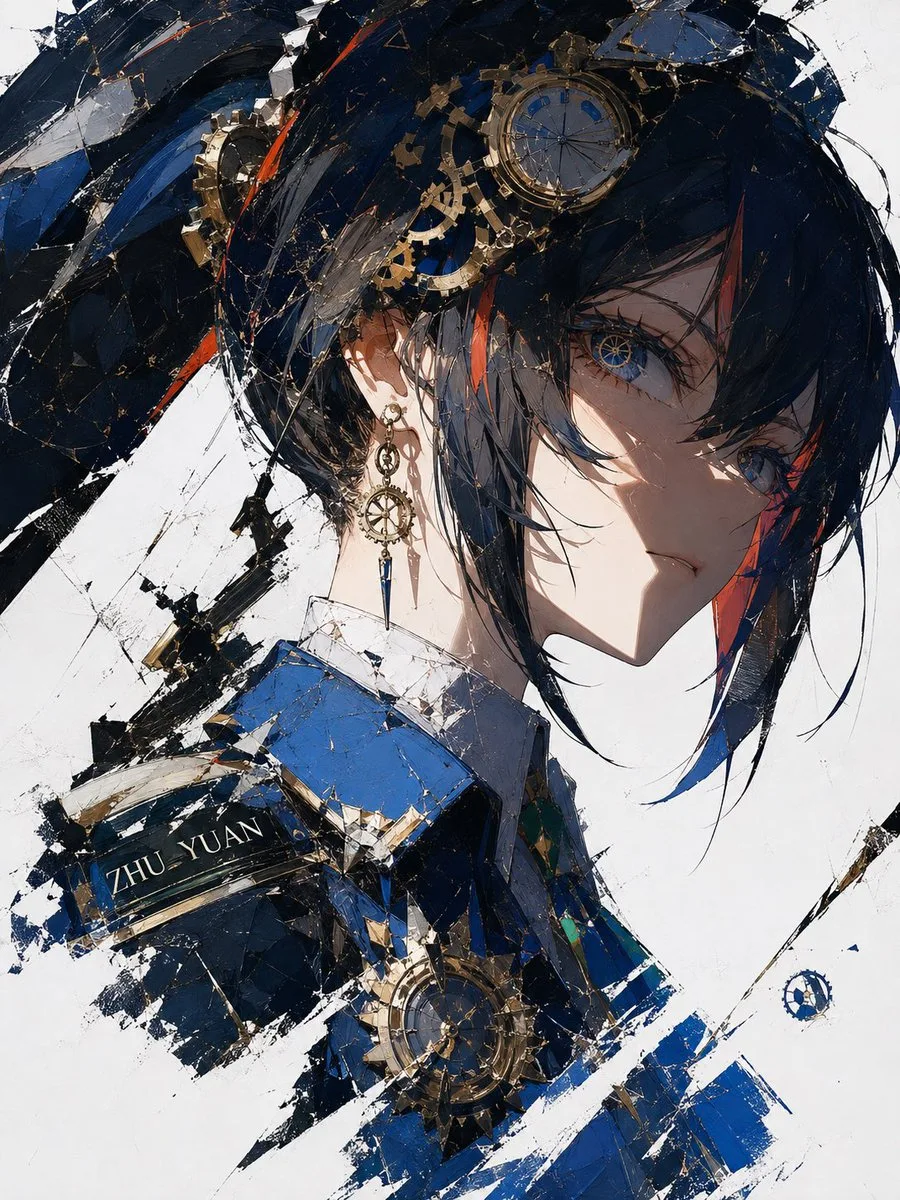
Image
Clockwork & Steel: Imperfect Time Impasto Prompt
GPT Image
{ "style_name": "断刃时械刮刀风", "medium": "数字刮刀油画、厚涂插画", "composition": "局部特写,撕裂笔刷裁切边缘,对角线构图,大面积留白", "lighting": "硬质侧逆光,锐利明暗交界,高对比度光影", "color_grading": "钴蓝+鎏金双色高对比,暖肤色过渡,纯白基底,低杂色", "texture": "刮刀堆叠笔触肌理,硬质油画质感,金属高光锐利", "visual_keywords": "蒸汽朋克、钟表瞳孔、齿轮配饰、破碎美学、二次元冷感插画", "constraints": "画面洁净,无多余杂质,结构精准,笔触统一硬朗,克制特效", "output_specs": "8K高清,插画精度,层次肌理完整" } n=10,角色为[角色名]
How to Use and Adapt This Prompt
This Image formula is optimized for GPT Image. You can run it directly or customize the subject, atmosphere, and styling to match your project.
- Select your AI engine: Switch between the supported models above to get the optimal syntax and parameters for your chosen tool.
- Customize the subject: Replace descriptive elements with your own characters, environments, or branding requirements while keeping the stylistic modifiers intact.
- Tune composition and lighting: Add camera lens details (e.g., 35mm film, bokeh, high aperture) and lighting styles (e.g., chiaroscuro, golden hour, studio diffusion) to guide the AI towards photorealistic depth.
Prompt Engineering & Optimization Tips
- •Aspect Ratios: In Midjourney and Flux, append flags such as
--ar 16:9for landscape or--ar 9:16for mobile wallpapers and video backgrounds. - •Style Consistency: Keep seed values fixed when generating multiple complementary scenes for storyboards or branding assets.
- •Editorial Standard: Every prompt in FindPromps is curated to follow safe, high-quality, and non-infringing generative AI standards.