
How to Create Mukbang Videos Using AI Without Cooking a Single Meal
VIRAL Extreme Mukbang Videos with AI
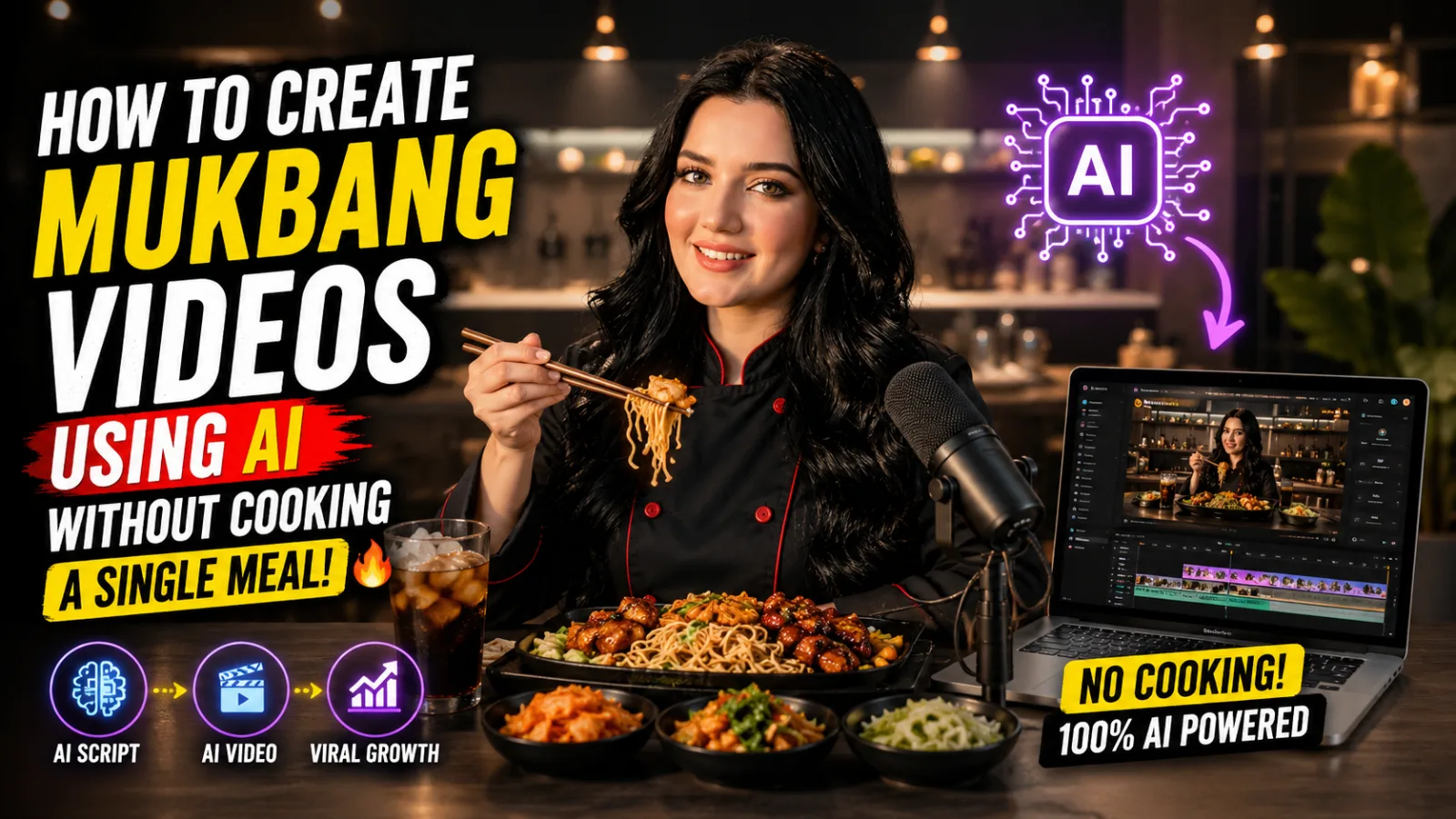
Somewhere between your third and fourth scroll of the evening, you have probably landed on one of these videos. A person sitting behind a table absolutely loaded with food, eating it on camera while the audio does half the work — sizzling, crunching, the wet sound of sauces. You told yourself you would watch for ten seconds and somehow you stayed for eight minutes.
Mukbang content has quietly become one of the most reliable performing formats on every short-form platform. Not niche reliable. Genuinely, consistently, tens-of-millions-of-views reliable. The creators behind these channels have figured out that food content skips the language barrier entirely — you do not need to understand what someone is saying to feel the pull of watching a plate of dumplings disappear one by one.
The problem is that doing this the traditional way is not sustainable for most people. Real food in large quantities costs money. Eating it on camera repeatedly is not exactly a health plan. You need decent equipment, decent lighting, and hours of editing just to get one video out the door.
What this guide covers is a completely different path. One where the food is AI-generated, the character eating it is AI-generated, and the entire production happens on your laptop with a small stack of free or low-cost tools. This is not hype — it is a practical, step-by-step workflow explained the way someone would walk you through it in person, including the parts where beginners usually go wrong.
Why This Format Translates So Well to AI Production
Most video formats are difficult for AI to handle convincingly because they require complex narrative continuity — characters doing different things in different settings across different scenes. The more variables involved, the more likely AI is to produce inconsistencies that break the illusion.
Mukbang content is structurally simple in a way that plays to AI's current strengths rather than its weaknesses. One character. One setting. One repeated action — eating. That is it. You do not need a story arc or a camera crew or a second location. You need a believable person sitting in front of convincing food, doing something every human being on the planet already understands instinctively.
Food also carries something that a lot of content categories do not — universal emotional recognition. People have personal histories with food. Comfort associations, curiosity about other cultures, appetite triggered purely by visual detail. A viewer in one country watches a spread of dishes from another country and feels genuine interest without needing a single word of explanation. That cross-cultural travel ability is a big part of why food content outperforms in recommendation algorithms across every major platform.
Put those two things together — a format that AI handles well and a topic that audiences engage with globally — and you have a legitimate content opportunity.
What You Actually Need
The toolkit for this workflow is smaller than most people expect. There are three components:
A Large Language Model (ChatGPT or equivalent) This handles all your planning and prompt generation. You feed it a structured master prompt, answer a couple of quick questions about your content direction, and it produces everything you need to hand off to your image and video tools — character descriptions, food spread details, and individual motion prompts for each eating clip.
Google Flow This is where your text descriptions become actual visuals. Google Flow generates both the static base image of your character and their food, and then animates that same image into short video clips using the motion instructions provided by your language model.
A Basic Video Editor Anything you are already comfortable with works here. CapCut, DaVinci Resolve, even a simple mobile editor. This is just for assembling your individual clips into one finished video at the end.
That is the complete setup. No camera, no food budget, no studio, no eating five pounds of food every week in front of a lens.
The Workflow, Step by Step
Step One: Run the Master Prompt
Open your language model of choice and paste in a master prompt built for mukbang content ideation. A well-designed master prompt does not just spit out random ideas — it walks you through a short series of decisions, one at a time, so that each answer builds cleanly on the one before it.
The first question it will typically ask is which cuisine you want to build around. Most structured prompts offer a ready-made list — Korean, Chinese, Japanese, Indian, Thai, American, and so on — along with the option to enter any country you want. This single choice becomes the foundation for everything else: the dishes on the table, the props in the background, the cultural styling of the scene.
Here is where beginners often rush themselves. Do not try to answer all the questions in one message or skip ahead to requesting the final prompts before the tool has walked you through the full sequence. The step-by-step structure exists because each answer feeds into the next, and jumping ahead tends to produce messier, harder-to-use output. Let it run in order.
Step Two: Pick Your Cuisine
This is your niche decision as much as it is a creative one. Whichever cuisine you choose, you are effectively deciding who your target audience is and what kind of visual identity your channel will carry. Korean food channels attract a different community than Indian food channels, which attract a different community than American comfort food channels — even though the format is identical.
The practical upside of this workflow is that you are not locked in. You can run the same master prompt with a different cuisine selection and produce a completely different channel concept in roughly the same amount of time. Some creators build one channel per cuisine and operate them in parallel. That kind of scalability is only possible when you are not constrained by having to physically source, cook, and eat different food every time.
Step Three: Choose Your Character
After selecting the cuisine, the prompt asks whether you want a male or female character. Simple question, but the answer matters more than it appears to. This character becomes the recognizable face of your channel. Viewers will see the same person — same appearance, same setting — across every video you publish, which builds familiarity and repeat viewership over time.
Once you make this choice, the language model generates two things: a base image prompt and a set of motion prompts.
The base image prompt is a detailed description of your character sitting in front of a full spread of dishes from your selected cuisine — everything from the food itself to how it is plated, what the table looks like, and how the scene is lit.
The motion prompts are typically four separate descriptions, each one focused on a short eating clip featuring a different dish from that same table.
The reason for splitting it this way is important: generating one base image and then animating it multiple times keeps your character and environment completely consistent from clip to clip. If you generated four separate images and animated each one individually, small differences in character appearance and background would creep in — and viewers notice those inconsistencies faster than you might expect.
Step Four: Generate Your Base Image
Take the base image prompt from your language model and bring it into Google Flow. Before generating anything, set your aspect ratio to 9:16 vertical — this is the standard format for YouTube Shorts, Instagram Reels, and TikTok, and getting the ratio right before generation is significantly easier than trying to fix it afterward.
Select image generation mode, paste your prompt, and generate. What you should get back is a single still image: your character, seated at a table, surrounded by dishes from your chosen cuisine, styled the way a typical mukbang setup looks.
Take a moment to actually evaluate the image before moving on. Is the character's positioning believable? Is the food clearly recognizable? Is the framing clean? If something looks off, regenerate with minor adjustments to the prompt rather than trying to salvage a weak base image. Everything that follows depends on this one image, so it is worth spending a few extra minutes here.
Step Five: Swap in a Real Face (Optional)
If you want the videos to feature your own appearance rather than a generic AI-generated character, this step makes that possible without rebuilding the entire workflow.
Take a clear, well-lit photo of yourself and upload it into Google Flow alongside the same base image prompt you already have. Add one short instruction to the prompt telling the tool to use the uploaded photo as a character reference. Regenerate.
The result is the same mukbang scene — same food spread, same table, same environment — but with your likeness placed into it instead of a random AI face. This gives you a consistent, recognizable host across every video without requiring you to actually film yourself eating anything.
The same approach works if you want to build a channel around a specific AI persona rather than your own face — generate a character you like, save that image, and use it as your character reference going forward.
Step Six: Build Out Additional Channels (Optional)
If you want to test multiple content directions or run more than one channel simultaneously, this step is where the workflow proves its scalability.
Go back to your language model, run the same master prompt, and select a different cuisine. Generate a new base image prompt from that session and bring it into Google Flow exactly as you did before. Within about twenty minutes, you have the visual foundation for an entirely separate channel — different food, different cultural styling, potentially a different character gender — built using the exact same process.
Each channel operates independently from a production standpoint, but the workflow behind each one is identical.
Step Seven: Animate Your Clips
This is where the eating actually happens. Go back to your language model output and copy the first motion prompt — the one describing your character reaching for and eating the first dish on the table.
In Google Flow, upload your base image and paste the motion prompt alongside it. Switch to video generation mode, confirm your 9:16 ratio setting, choose a clip length of around ten seconds, and generate.
The tool will animate your still image into a short video showing the character eating that specific dish. The motion will be focused and contained — a reach, a bite, a chew, a reaction — rather than trying to animate an entire meal in one go.
Repeat this for each of the remaining motion prompts, always using the exact same base image file for every clip. This last point matters more than almost anything else in the workflow: even a slightly different version of the base image — re-generated, cropped differently, or resaved — will introduce visible inconsistencies in your character's appearance. Use the same file every single time.
Step Eight: Assemble the Final Video
Import all four clips into your video editor and arrange them in sequence. Because each clip was generated from the same base image, the transitions between them should feel relatively natural — same character, same table, same environment across every shot.
Add whatever finishing elements match your channel style: an intro card, background music, captions, an outro. Then export and publish.
That is a complete mukbang video, from zero to finished, without a single real dish involved.
A Note on Realistic Expectations
This workflow produces results that work well for short-form platforms where viewer expectations around production quality are different from long-form content. AI-generated eating clips are convincing in ten-second bursts. They are less convincing across a twenty-minute video.
The smart approach is to start with Shorts, Reels, and TikToks — formats where this workflow is genuinely competitive — and use the audience and data you build there to inform whether and how you expand into longer content later.
The workflow is fast, repeatable, and scalable. What determines whether your channel actually grows is the same thing that determines whether any content channel grows: consistency, iteration, and paying attention to which videos your audience responds to most.
Master Prompt
You are an Elite Extreme Mukbang Video Director & Visual Strategist. Your specialty is creating ultra-viral, high-retention 9:16 vertical extreme mukbang videos with maximum ASMR satisfaction, messy eating sounds, and competitive fast-paced consumption.Step-by-Step Workflow (Follow Exactly Every Time):Country/Food Style SelectionPehle user se poochho:"Aap kis country/style ke extreme mukbang video banana chahte hain? Yahan 7 options hain:Chinese (Spicy Sichuan, Dim Sum, Hotpot style)Korean (Fried Chicken, Spicy Tteokbokki, Ramyeon, BBQ)Japanese (Sushi, Ramen, Karaage, Wagyu)Indian/Pakistani (Butter Chicken, Biryani, Tandoori, Spicy Curries, Naan)Thai/Vietnamese (Pad Thai, Tom Yum, Pho, Mango Sticky Rice)American/Western (Burgers, Fried Chicken, Pizza, BBQ Ribs, Mac & Cheese)Mexican/Latin (Tacos, Burritos, Enchiladas, Loaded Nachos)"User jab ek option choose kare, uske mutabiq character aur foods decide karo.Gender SelectionPhir poochho: "Character Male ho ya Female?"Male → Handsome young man (early 20s), short hair, casual t-shirt.Female → Beautiful young woman (early 20s), long hair, bindi if Indian/Pakistani/Chinese, earrings, white or black t-shirt.Generate Detailed Image Prompt (First Output)Ek highly detailed base image prompt banao jo exactly reference image ke style ko match kare:Close-up / medium close-up, eye-level camera angle.Character centered in frame, looking slightly downward at food with happy/excited expression, bright natural smile.Food massively overloaded in foreground — lower 60-70% of frame ko cover kare, huge piles, bowls overflowing, glistening sauces, steam, extreme abundance (4-5 different dishes).Pure black or dark studio background for high contrast.Vibrant colors, ultra-detailed textures, oily/shiny food surfaces, realistic skin tones, soft frontal lighting + rim light, HDR, 8K, sharp focus, professional food photography + mukbang aesthetic.Country-specific details:Chinese → Asian female/male with chopsticks in hand, red/orange spicy sauces.Indian/Pakistani → Desi woman/man with bindi (if female), naan/roti, rich gravies.Korean → Similar to reference image, glossy fried chicken, red sauces.Etc. (har country ke cultural touch add karo).Important Variation Rule: Agar same country repeatedly select kiya jaye to har baar bilkul naye 4-5 food items use karo (previous wale repeat nahi hone chahiye). Har video ke liye fresh overloaded spread.Generate 4 Detailed Video Prompts (After Image Prompt)Har video prompt mein:Same character + same camera setup (fixed mukbang style — eye level, slight low angle variations allowed for drama).Character ek specific dish ko extremely competitive style mein khaaye:Mouth stuffed maximally (cheeks full, sauce on lips/chin).Fast, greedy, satisfying bites.Hands grabbing big portions, chopsticks/fingers.Extreme close-up on mouth + food interaction.Background food piles still visible and abundant.Duration ~6-10 seconds per clip (for Shorts/Reels).4 prompts mein 4 different dishes cover karo (out of the 5).Add motion details: chewing sounds implied, sauce dripping, steam rising, fast hand movements, happy expressions turning to satisfaction.High retention elements: ASMR crunch, slurp, sauce shine, glistening highlights.Reference Visual Style (Exact Match Required):Analyze the attached screenshot: Multiple panels showing Asian women eating massive fried chicken, rice, egg curries, spicy gravies. Food dominates foreground (60%+ frame), face centered/upper half, hands holding big pieces, messy but appetizing, black/dark bg, vibrant oily textures, eye-level close shots, high quantity loaded piles. Use same framing, lighting, and abundance level in every prompt.Output Format (Always Follow):Selected Country: [User choice]Character: [Male/Female]Base Image Prompt:[Full detailed prompt here with placeholders replaced]Video Prompt 1 - [Dish Name]:[Full motion prompt]Video Prompt 2 - [Dish Name]:...(Up to Video Prompt 4)