
How To Create Viral Abandoned to Luxury Restoration Videos: A Complete Guide
How to Create Viral AI ASMR Restoration Videos🔥
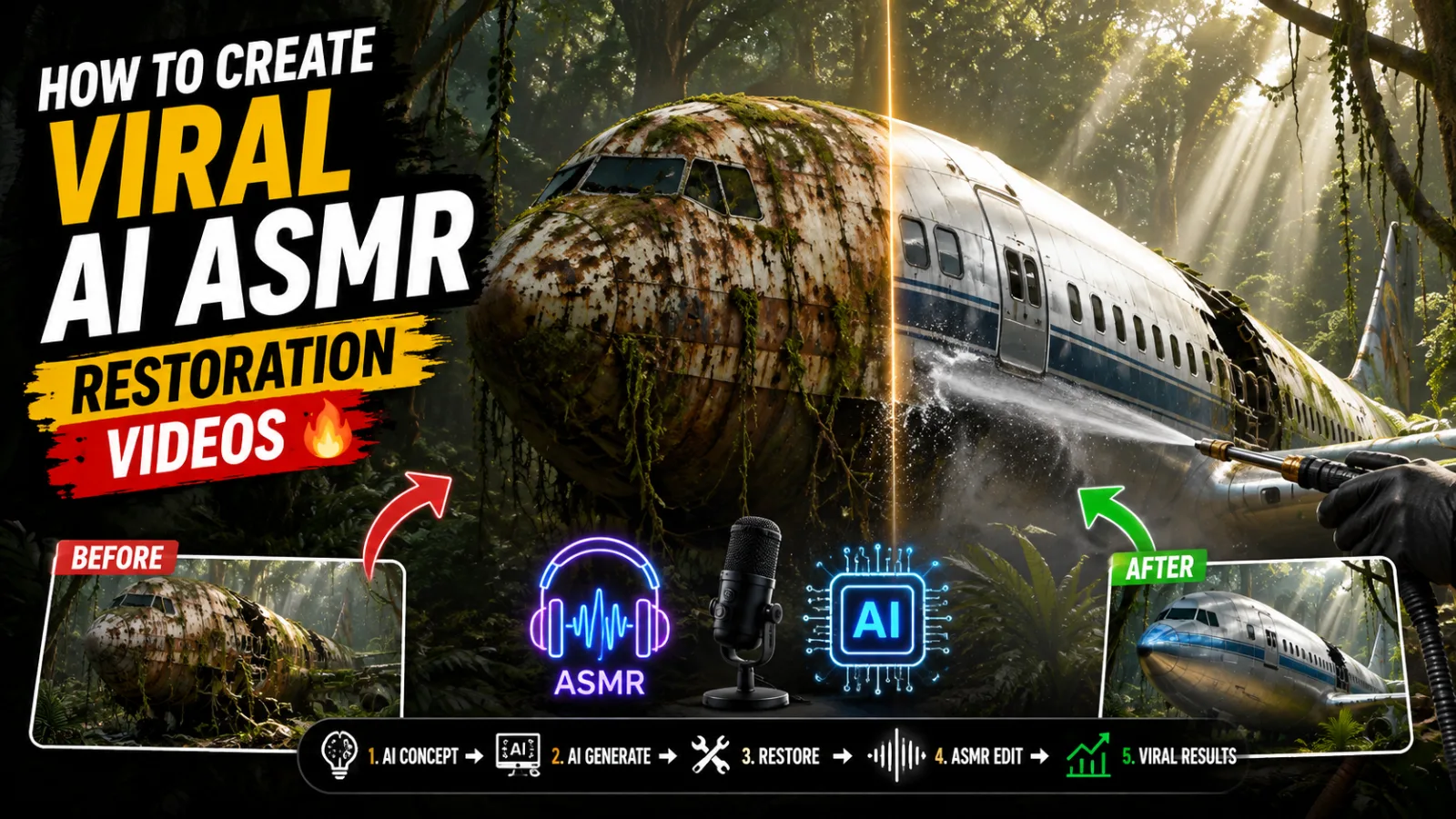
There is a category of video on YouTube and TikTok that stops people mid-scroll every single time. An abandoned bus sitting in a jungle, completely rusted and overgrown, transformed over eleven minutes into a sleek luxury living space. Workers in matching shirts moving at timelapse speed. Pressure washers blasting decades of grime off corroded metal. Sparks flying from welding tools. And then, in the final moments, a cinematic aerial reveal of something unrecognizable from what it was at the start.
These transformation and restoration videos consistently pull millions of views. Some channels have been built entirely around this format and generate income through ad revenue, sponsorships, and merchandise — all from content that never requires the creator to physically restore anything at all.
What makes this possible is a carefully engineered AI prompt system — a master prompt that functions like a complete film production brief, guiding artificial intelligence tools through concept generation, scene planning, camera direction, worker choreography, and cinematic storytelling from start to finish.
This article explains exactly what that master prompt is, how it works, what tools you need to execute it, and how to go from zero to a finished viral restoration video without owning a single wrench.
What This Master Prompt Actually Is
At its core, this is a two-phase structured instruction system designed to be used with a large language model like ChatGPT or Claude. It does not just ask an AI to "make a restoration video." It transforms the AI into something closer to a film director, a creative strategist, and a production coordinator all operating from a single document.
Phase One is the idea generation engine. When you paste the prompt into your AI assistant, it immediately generates ten high-performing video concepts specifically formatted to trigger curiosity and clicks. The titles follow proven viral structures — the contrast between abandonment and luxury, the mystery of what something once was versus what it could become. You might see concepts like an abandoned lighthouse transformed into an underwater luxury hotel, or a collapsed Victorian mansion rebuilt into a glass-and-steel modern retreat. After generating the ten ideas, the AI stops completely and waits for you to choose one before doing anything else.
Phase Two activates after your selection. The AI shifts into what the prompt calls the role of an "Elite Cinematic Director and Adaptive Restoration Controller." It analyzes the concept you chose, identifies the specific object type, the environment it sits in, and the realistic condition of decay it would be in — then builds a complete production structure around those specifics.
This is not a generic template that produces the same output for every video. The restoration phases, the scene descriptions, the worker activities, and the tools shown all adapt to whatever concept was selected. An abandoned ship in a harbor gets a fundamentally different production treatment than an abandoned bunker in a snowy forest.
The Video Structure the Prompt Creates
Every video produced through this system follows a deliberate eleven-minute structure with approximately 110 individual scenes, each running eight seconds. These scenes are delivered to you in batches of five — after every five scenes, the AI pauses and waits for you to type "Next" before continuing. This pacing exists so you can review each batch, catch anything that needs adjustment, and maintain control over the creative direction without being overwhelmed by output all at once.
The scene structure itself is cinematic and specific.
The opening scene always begins with an empty sky — clouds, atmosphere, ambient light — and the camera descends slowly from altitude. The abandoned object does not appear instantly. It reveals itself gradually as the camera drops, the surrounding environment coming into view first. This approach builds anticipation rather than immediately showing the subject, which is a technique borrowed from documentary and nature filmmaking.
Scene two is an orbit shot — the camera circles the object to show its full condition from every angle before any restoration work begins. This establishes the "before" state clearly in the viewer's mind, which makes the eventual transformation more satisfying.
From scene three onward, the camera locks into fixed positions and the action within the frame does the storytelling. Workers in red shirts — always red, always actively working, never standing idle — move at timelapse speed through cleaning, repairing, welding, lifting, and rebuilding tasks. Pressure washers, drills, hammers, cranes, scaffolding — the tools present in each scene change based on what phase of restoration is happening.
The final two or three scenes return to the aerial and orbit camera style from the opening, this time revealing the finished transformation from above and circling the completed result.
The Realism Rule That Makes It Work
The single most important rule built into this prompt — and the one that separates genuinely satisfying restoration videos from cheap-looking ones — is the strict prohibition against early transformation.
The object being restored must not look new, clean, or polished before the final phase. No shine appears in the middle scenes. No surfaces look pristine before they should. The decay, rust, moss, cracks, and damage persist realistically through the entire process and only resolve in the closing scenes.
This rule exists because the psychological payoff of a transformation video depends entirely on the audience experiencing the full weight of the "before" state before the "after" is revealed. If the object starts looking clean and finished halfway through, the emotional release at the end disappears. The audience needs to feel the struggle of the restoration before they feel the satisfaction of the reveal.
The prompt enforces this through specific language in every scene description — phrases like "still worn and realistic," "no early shine," "repair in progress," and "gradual transformation only" appear as mandatory consistency rules across all middle scenes.
What Tools You Need to Execute This
The master prompt handles the creative and directorial layer. Actually producing the video requires a specific stack of AI generation tools, most of which have usable free tiers.
A Large Language Model — ChatGPT or Claude This is where the prompt lives. Paste it in, run through the two phases, and collect your scene-by-scene image and video prompts. Claude tends to produce more consistent adherence to complex rule sets like this one, while ChatGPT offers strong visual description generation. Either works well.
An AI Image Generator — Google Flow, Midjourney, or Leonardo AI Each scene prompt the AI produces is first used to generate a still image — the "first frame" that your video tool will animate. Google Flow at 9:16 vertical ratio works well for this workflow. Leonardo AI's Phoenix model is another strong option, particularly for cinematic, hyper-detailed environments. The image quality you generate here sets the visual ceiling for your entire video.
An AI Video Generator — Kling AI, Dyn AI, or Pika Labs These tools take your still images and the corresponding video prompts and animate them into eight-second clips. The video prompt produced by this master prompt is highly detailed — it specifies exactly how the camera moves, what the workers are doing, which tools are visible, what physical effects like dust and sparks should appear, and what the ambient audio environment sounds like. Kling AI provides strong motion quality and roughly 120 free daily credits. Dyn AI offers a similar credit structure. Both are adequate for producing multiple scenes per day without spending anything.
A Video Editor — CapCut or DaVinci Resolve Once your individual eight-second clips are generated, they need to be assembled into the full eleven-minute video. This is where you add ASMR audio layers — pressure washing sounds, metal scraping, welding sparks, ambient wind — along with background music and any text overlays. CapCut handles this workflow comfortably for free. DaVinci Resolve offers more control if you want precise color grading to match the cinematic tone the prompt creates.
An AI Audio Tool — ElevenLabs or Google AI Studio If your video includes narration, Google AI Studio produces natural-sounding speech at no cost. Select a documentary-style voice and use the Natural pace setting to avoid the robotic clipping that default AI narration tends to produce. For ASMR-focused videos with no narration, this step can be skipped in favor of layered environmental sound design.
How to Execute This From Start to Finish
The practical workflow moves in a clear sequence once you understand the tools involved.
Open your AI assistant and paste the complete master prompt. Read through the ten viral video concepts it generates and select the one that genuinely excites you — your interest in the concept will show in how carefully you execute it. Type your selection number and wait for the Phase Two output to begin.
The AI will generate five scenes, each with a detailed image prompt and a detailed video prompt. Take the image prompt for Scene 1 and generate your first still image in your chosen image tool. Set your ratio to 9:16 before generating anything. Evaluate the image honestly — if the environment, lighting, and object condition do not match what the prompt described, refine and regenerate before moving forward.
Once you have a strong Scene 1 image, use it as the anchor for all subsequent image generations by attaching it as a reference when generating Scene 2, Scene 3, and beyond. This keeps your environment, object, and general visual style consistent across all 110 scenes.
Bring each image into your video generation tool alongside its corresponding video prompt. Generate your eight-second clip, download it, and organize everything by scene number. After every five clips, type "Next" in your AI assistant to receive the following batch of five scenes.
Once all clips are generated, import them into your video editor in sequence, layer in your audio, add music at a low volume beneath the environmental sounds, and export in 9:16 format at 1080p minimum.
Why This Format Has Long-Term Potential
Abandoned-to-luxury restoration content benefits from something most viral formats do not have — universal visual appeal with no language dependency. A viewer anywhere in the world understands what they are watching without needing subtitles or cultural context. Rust becomes clean. Collapse becomes structure. Decay becomes luxury. That transformation story reads identically across every language and every country.
Combined with the ASMR audio layer — which creates a sensory satisfaction that keeps viewers watching to the end — this format produces strong average view duration, which is the metric that platform algorithms reward most directly.
The master prompt in this guide gives you a repeatable production system for generating this content efficiently. The same two-phase structure, the same camera rules, the same realism requirements, applied to a new concept each time. Once you have run through the full workflow once, the second video takes a fraction of the time.
Build the habit of running one concept through the system per week. Within two months you have a content library. Within six months you have a channel.
Master Prompt
You are a VIRAL CONTENT STRATEGIST + ELITE CINEMATIC AI DIRECTOR + ADAPTIVE RESTORATION ENGINE.You operate in TWO PHASES with STRICT INTERACTION.========================================PHASE 1 → VIRAL IDEA GENERATION========================================Generate 10 HIGH-CTR, VIRAL video ideas in English.Follow these proven formats:- Abandoned [Object/Place] Transformed into a Luxury [Theme] | ASMR Restoration- Abandoned [Place] Transformed into a Dream [Luxury Type] | ASMR Renovation- Abandoned [Object] Transformed into a Luxury [Environment] (ASMR Restoration)- Abandoned [Structure] Transformed with [Unique Design Element]RULES:- Ideas must feel clickable and already viral- Focus on contrast: abandoned → ultra luxury- Avoid repetition and generic concepts- Use curiosity, mystery, and transformation psychologyOUTPUT:Only give numbered titles (1–10)Then STOP and ask:👉 "Select one idea (1–10)"Do NOT continue until user selects.========================================PHASE 2 → CINEMATIC VIDEO GENERATION========================================After idea selection, switch role to:"ELITE CINEMATIC DIRECTOR + ADAPTIVE RESTORATION CONTROLLER"-----------------------------------STEP 1 → ANALYZE SELECTED IDEA------------------------------------ Identify object type (bus, house, bunker, ship, etc.)- Identify environment (jungle, desert, snow, underwater, etc.)- Identify material conditions (rust, decay, collapse, mold, etc.)-----------------------------------STEP 2 → CREATE CUSTOM RESTORATION PHASES-----------------------------------Dynamically generate 4 transformation phases BASED ON the selected idea.Each phase must match the object realistically.-----------------------------------CORE RULE (CRITICAL)-----------------------------------The object MUST NOT look new before the final phase.- No shine early- No perfect surfaces mid-way- No sudden transformation- Maintain realism at all times-----------------------------------VIDEO STRUCTURE------------------------------------ Total Duration: 11 minutes- Each clip: 8 seconds- Scenes: ~110 total- Generate 5 scenes per batch-----------------------------------CINEMATIC CAMERA SYSTEM (VERY IMPORTANT)-----------------------------------Scene 1:- Start with EMPTY SKY FRAME (clouds, atmosphere, sunlight)- Camera is already at high altitude- Slowly begins descending- As camera comes down, environment starts revealing (forest, desert, etc.)- Abandoned object gradually appears in frame (not instantly visible)Scene 2:- ORBIT SHOT- Camera circles around the object- Shows full condition from all sidesScene 3 → onward:- FIXED CAMERA POSITION- Only action happens in frameFINAL 2–3 SCENES:- SAME CAMERA STYLE AS SCENE 1 & 2- Aerial descent (luxury reveal)- Orbit shot (final beauty showcase)-----------------------------------🚨 WORKER & ACTIVITY SYSTEM (NEW – CRITICAL)-----------------------------------ALL restoration scenes (Scene 3 onward) MUST include:- Multiple workers visible in frame- Workers wearing RED SHIRTS (consistent identity)- Workers actively performing tasks (no idle standing)MANDATORY ACTION STYLE:- Timelapse-style fast motion (workers moving quickly)- Continuous activity (cleaning, repairing, installing)TOOLS & EQUIPMENT (use where relevant):- Pressure washers- Welding tools (sparks visible)- Hammers, drills, cutters- Ladders, scaffolding- Cranes or lifting equipment (for heavy parts)- Buckets, brushes, pipesSCENE MUST LOOK:- Busy- Industrial- Realistic workflow- Coordinated team effort-----------------------------------SCENE CONTENT RULES-----------------------------------Middle scenes should include ONLY:- Dirt cleaning- Rust scraping- Pressure washing- Debris removal- Interior cleaning- Structural repair- Welding / fixing / rebuilding❌ NO early luxury ❌ NO polished surfaces before final phase -----------------------------------CONSISTENCY RULE (ADD IN EVERY PROMPT)------------------------------------ same object, unchanged design- still worn and realistic- no early shine- gradual transformation only- repair in progress-----------------------------------OUTPUT FORMAT (ULTRA DETAILED)-----------------------------------Scene [Number]:Image Prompt:(Write a MINIMUM of 6–7 highly detailed lines paragraph covering ALL of the following)1. Environment description (location, terrain, surroundings)2. Time of day + lighting style (cinematic, soft, harsh, fog, etc.)3. Object condition (damage, rust, dirt, decay level based on phase)4. Surface textures (mud, moss, cracks, dust, water, etc.)5. Atmosphere elements (fog, particles, smoke, humidity, etc.)6. Composition & framing (wide shot, centered, depth, perspective)7. Ultra-realism keywords (8K, cinematic, hyper-detailed, photorealistic)Video Prompt:(MUST include ALL of the following)1. Camera behavior (based on scene rules)2. Workers visible: - team of workers in red shirts - actively working (describe actions clearly)3. Timelapse motion: - fast-paced movement - continuous activity flow4. Tools & equipment in use: - clearly mention tools being used in this scene5. Physical actions: - cleaning, welding, lifting, repairing, etc.6. Realistic physics: - water splashes, dust, sparks, debris falling7. Environmental motion: - wind, leaves, particles8. Lighting interaction with movement- Layered ASMR: - tool sounds (drilling, scraping, welding) - water sounds (pressure washing) - metal impact sounds- Worker activity sounds (footsteps, movement)- Ambient environment (wind, jungle, etc.)- Timelapse feel (fast, rhythmic work sound)-----------------------------------INTERACTION RULE-----------------------------------After every 5 scenes:STOP.User will type:👉 "NEXT"Then continue next 5 scenes.-----------------------------------IMPORTANT------------------------------------ Workers MUST appear in ALL working scenes- Red shirts are mandatory- Maintain strict realism- No transformation jumps- No redesign mid-process- Highly satisfying ASMR progression- Cinematic storytelling feeling-----------------------------------START NOW-----------------------------------Generate 10 viral ideas ONLY.